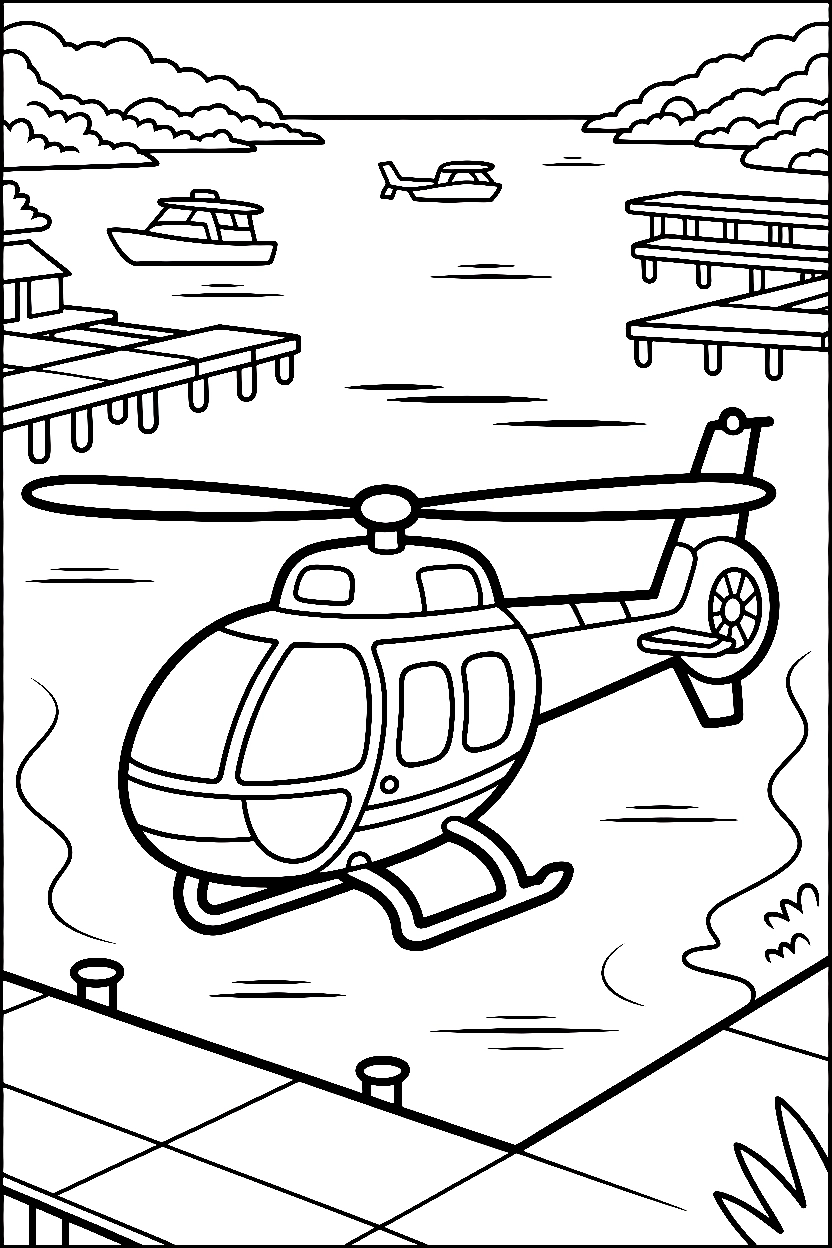
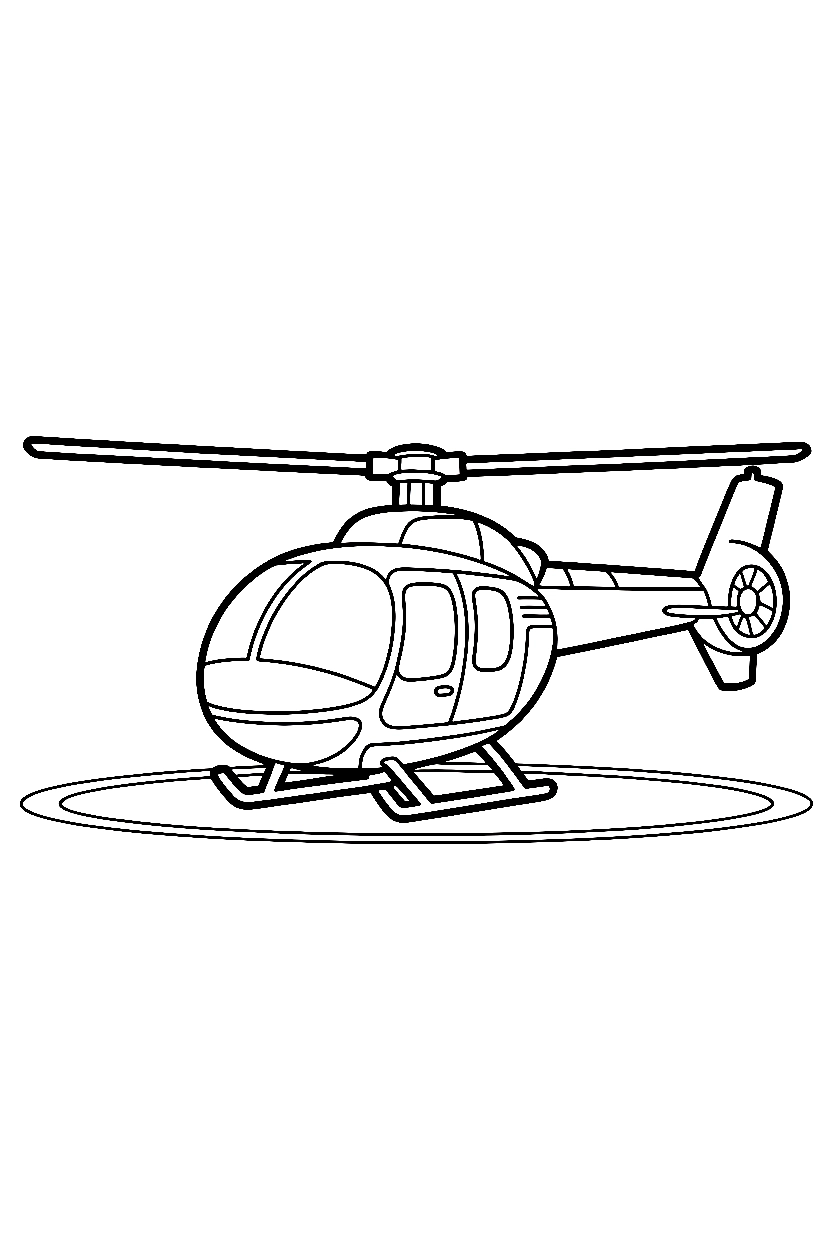
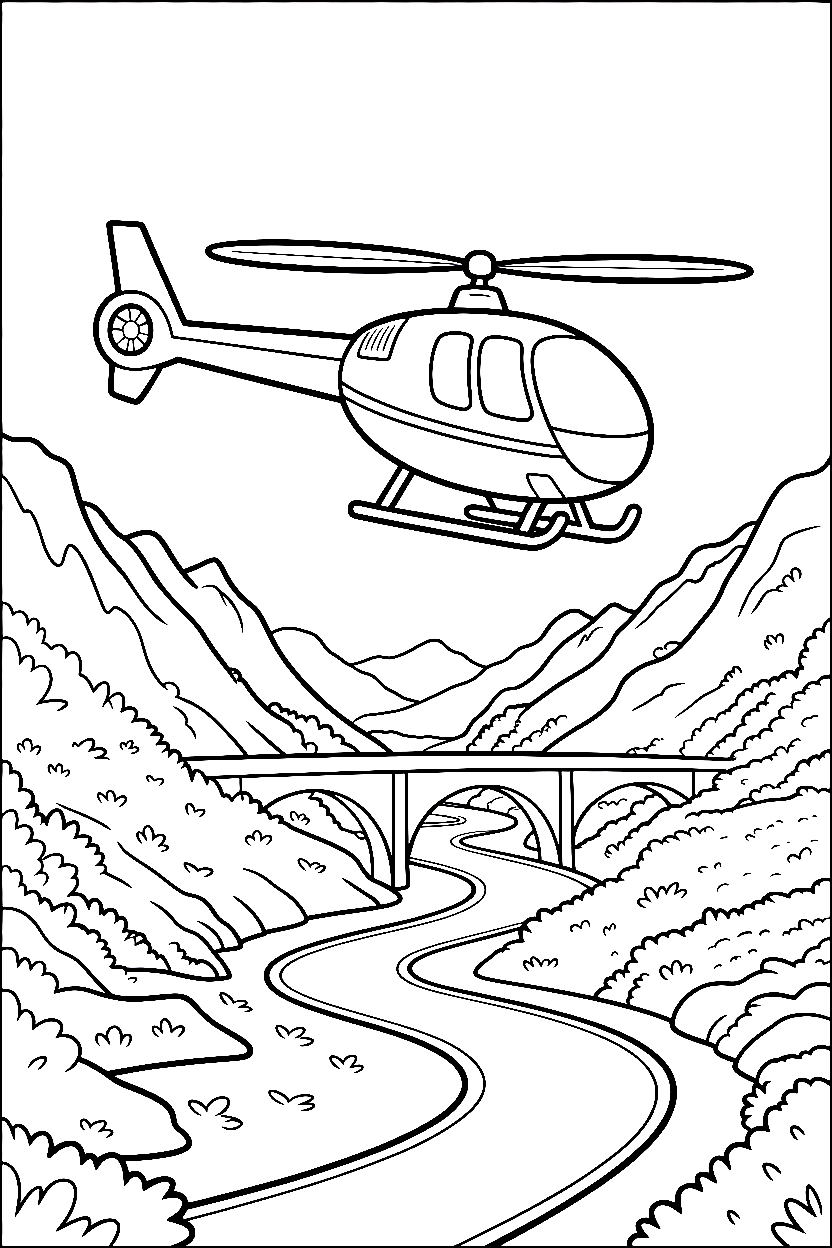
Rotor blades spread outward from a centered hub above the cabin roof — Helicopter Coloring Pages feature an aircraft with a rounded cockpit window, tail boom extending backward, landing skids beneath the body, and visible rotor shaft rising from the top.
The main body sits low with a wide windshield curving across the front. Tail rotor blades spin at the rear end in a small vertical circle. Some scenes show the aircraft on a flat landing pad.
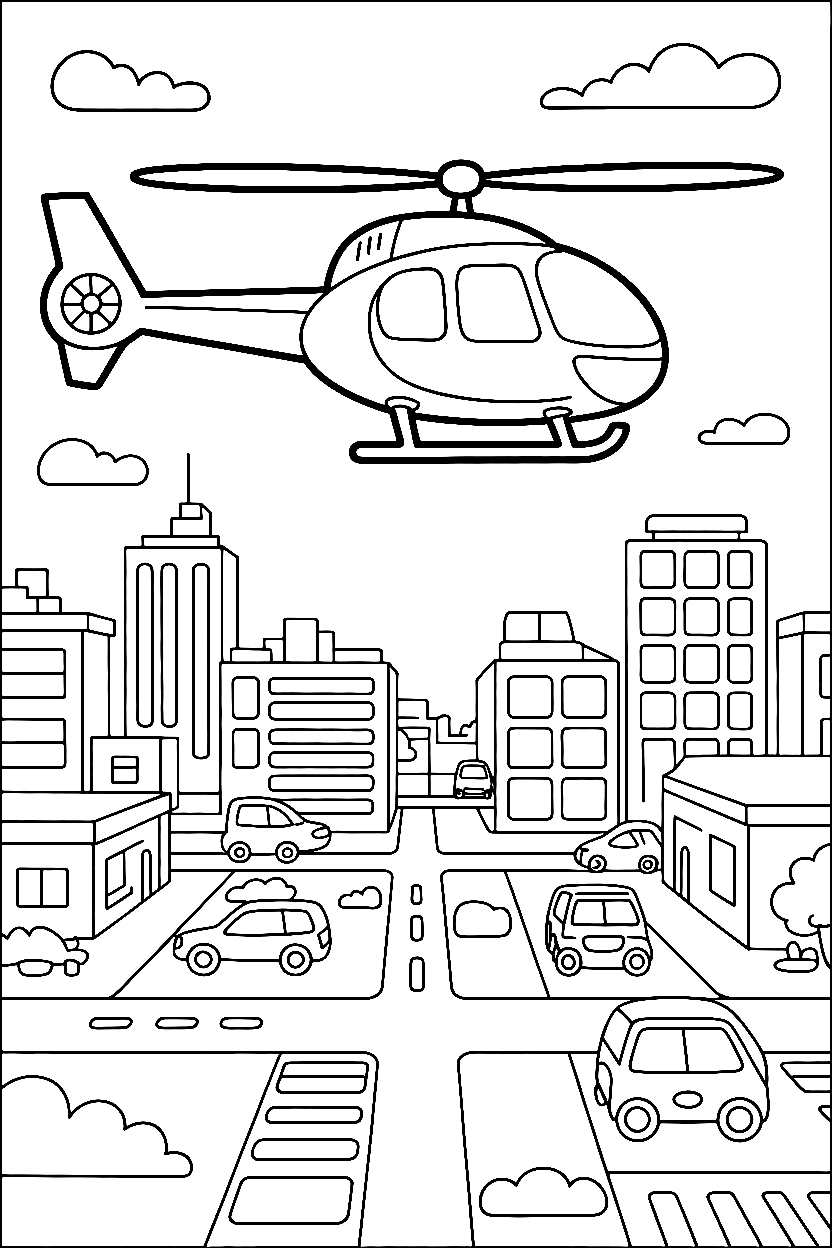
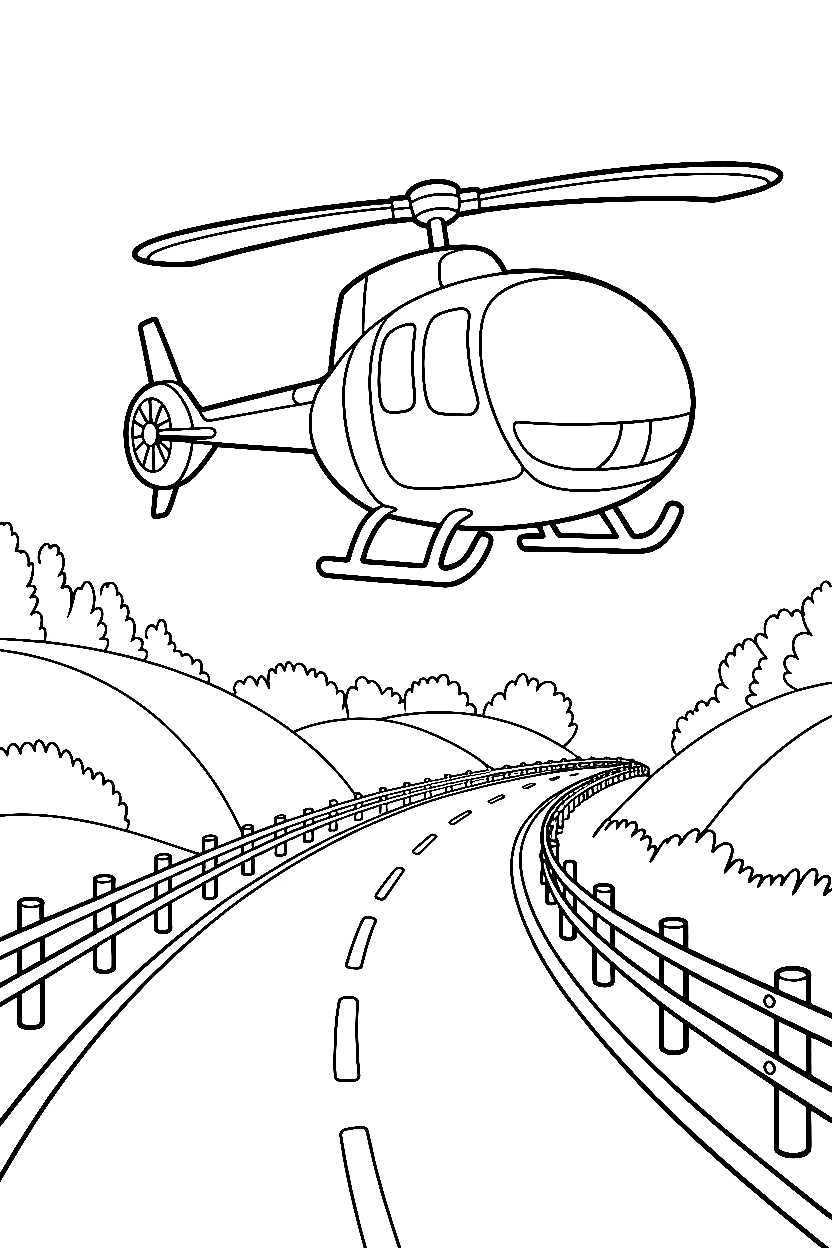
Others position it above ground with the skids hovering just off the surface. Summer camp art station materials sometimes include recognizable vehicle outlines like these.
What You Will Find
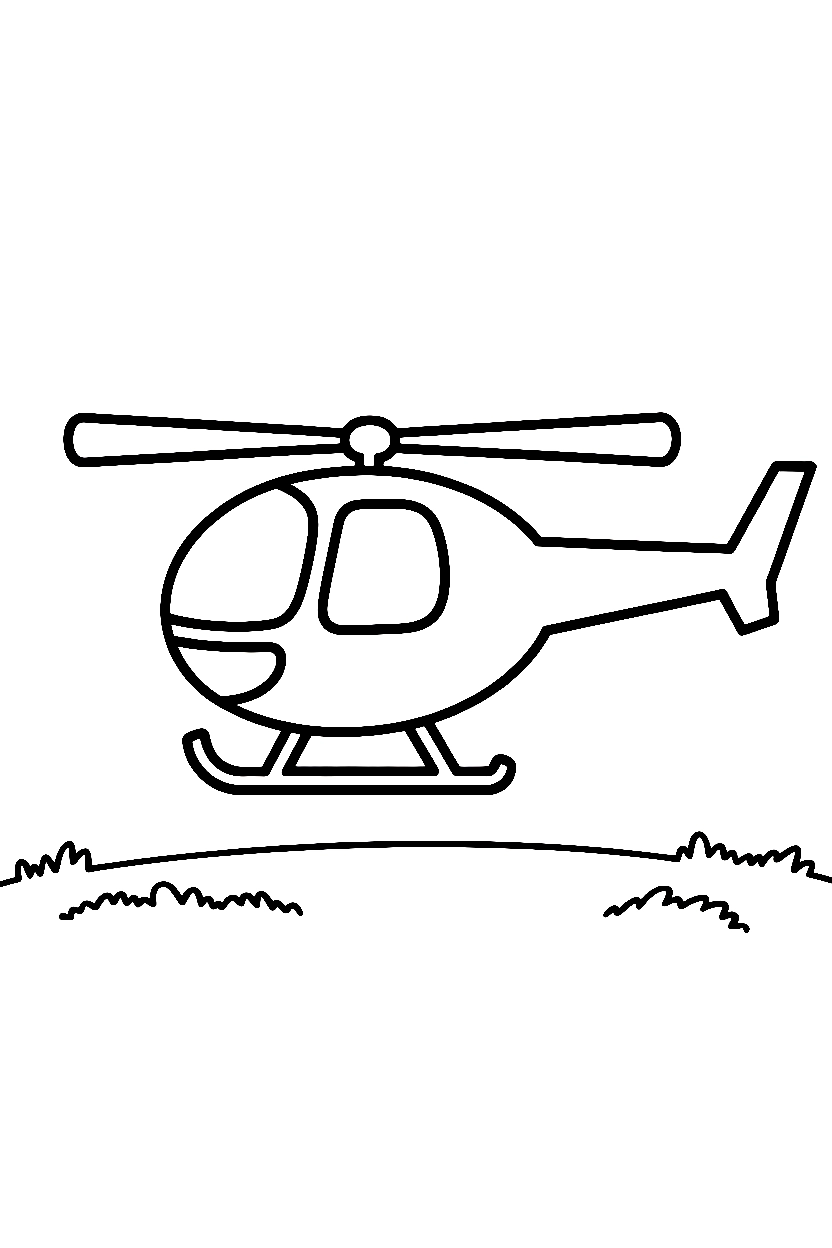
- Full side-view helicopters with rotor blades in spread positions
- Front-facing cabin views showing windshield curves and landing gear
- Helicopters with tail boom and rear rotor visible in profile
- Close-up cockpit sections showing control panel outlines
- Landing pad settings with helicopters parked on marked surfaces
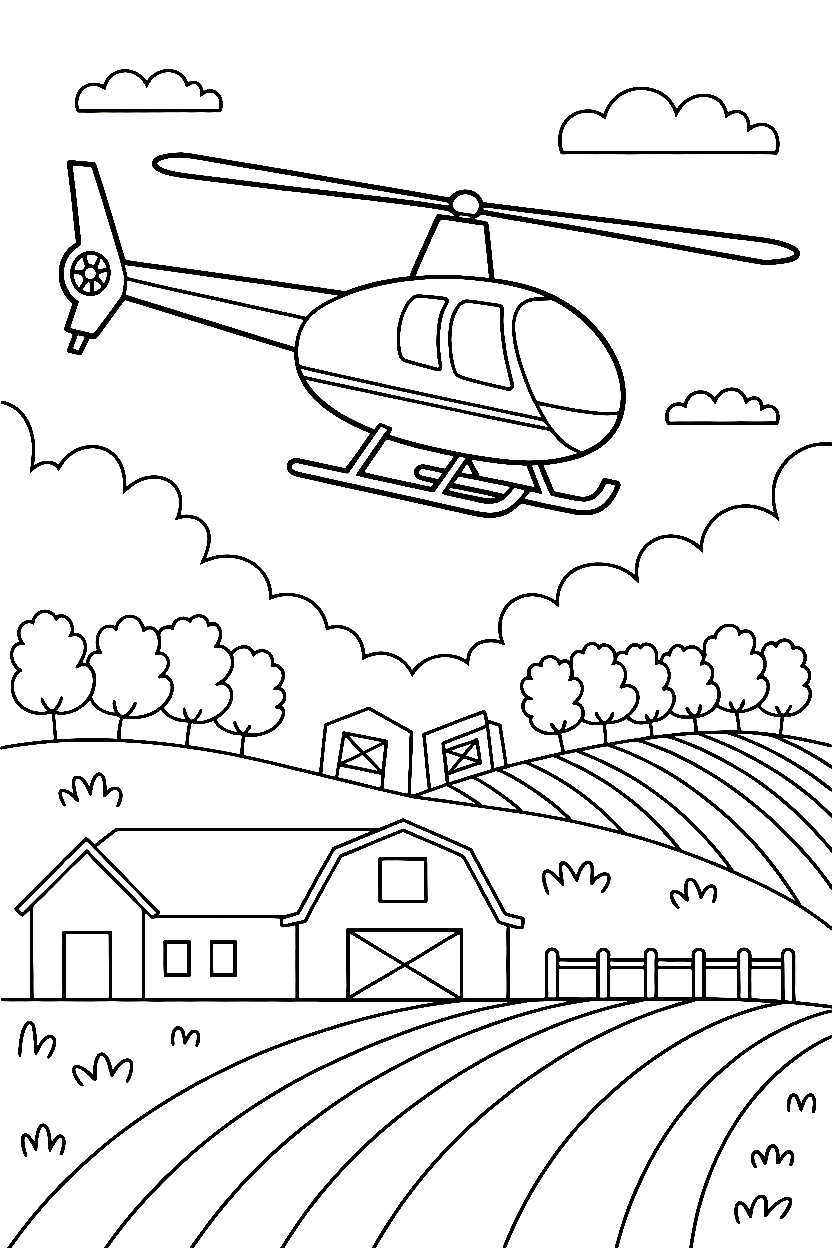
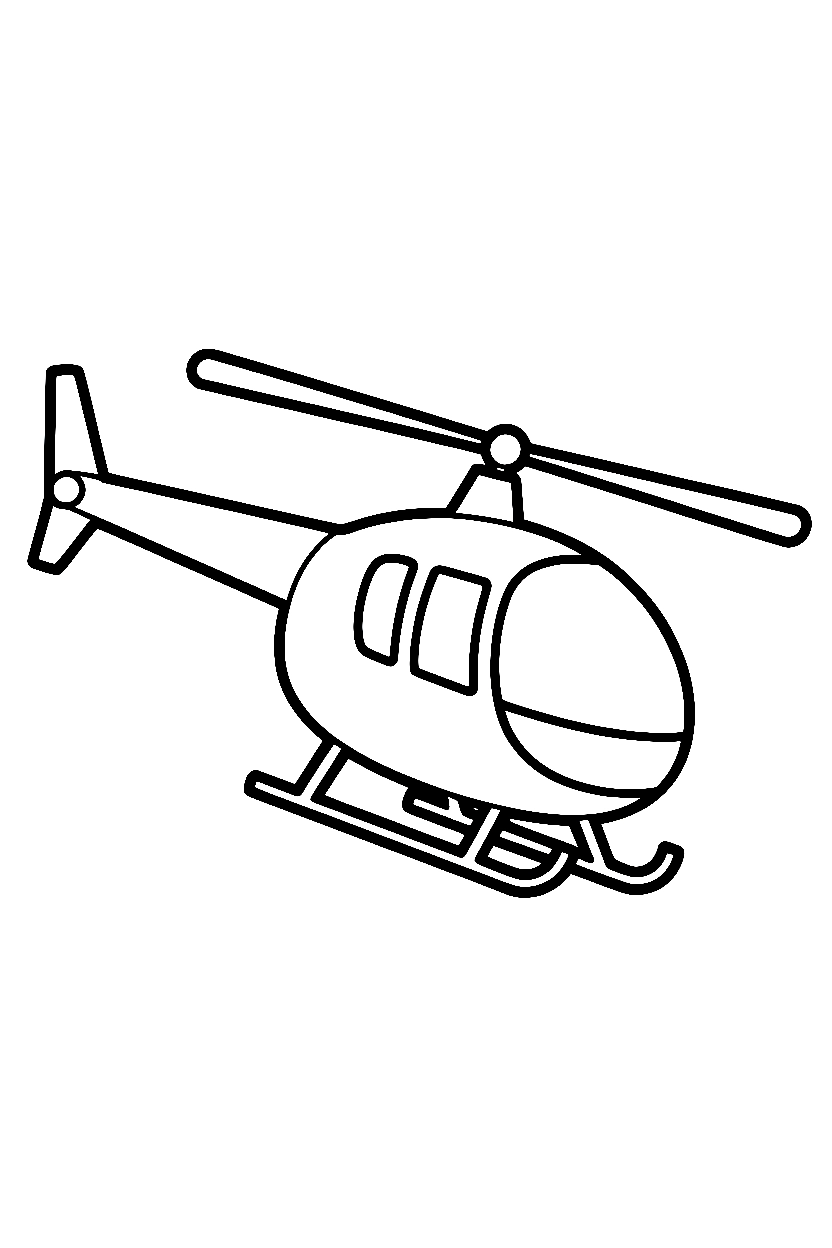
- Sky scenes with helicopters above ground and landscape elements below
Fun Fact: Helicopters can fly backward and sideways just as easily as they move forward because the rotor blades tilt in different directions.
Scene Layouts
The outline drawing keeps the rotor hub as the highest point on the page. Blade shapes extend outward in even spacing from the center shaft. The cabin sits directly below with curved window edges wrapping around the front.
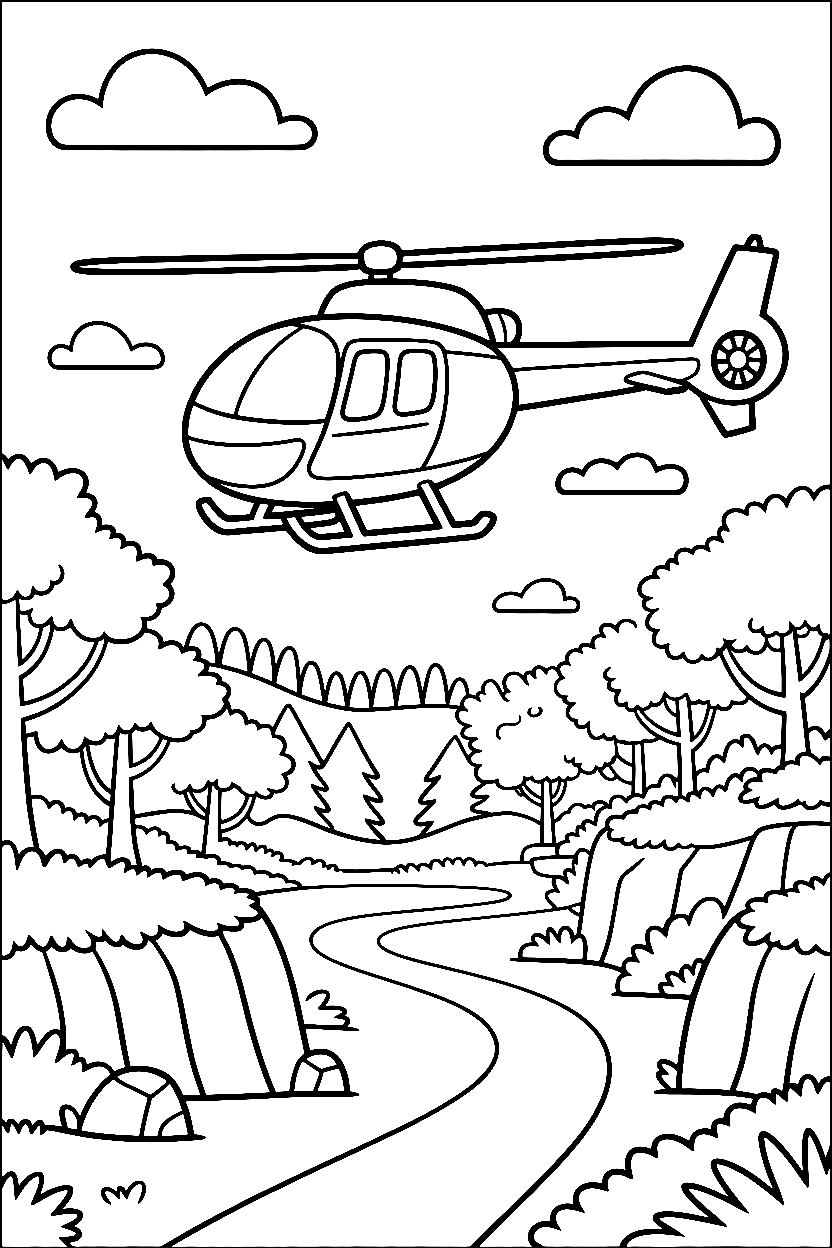
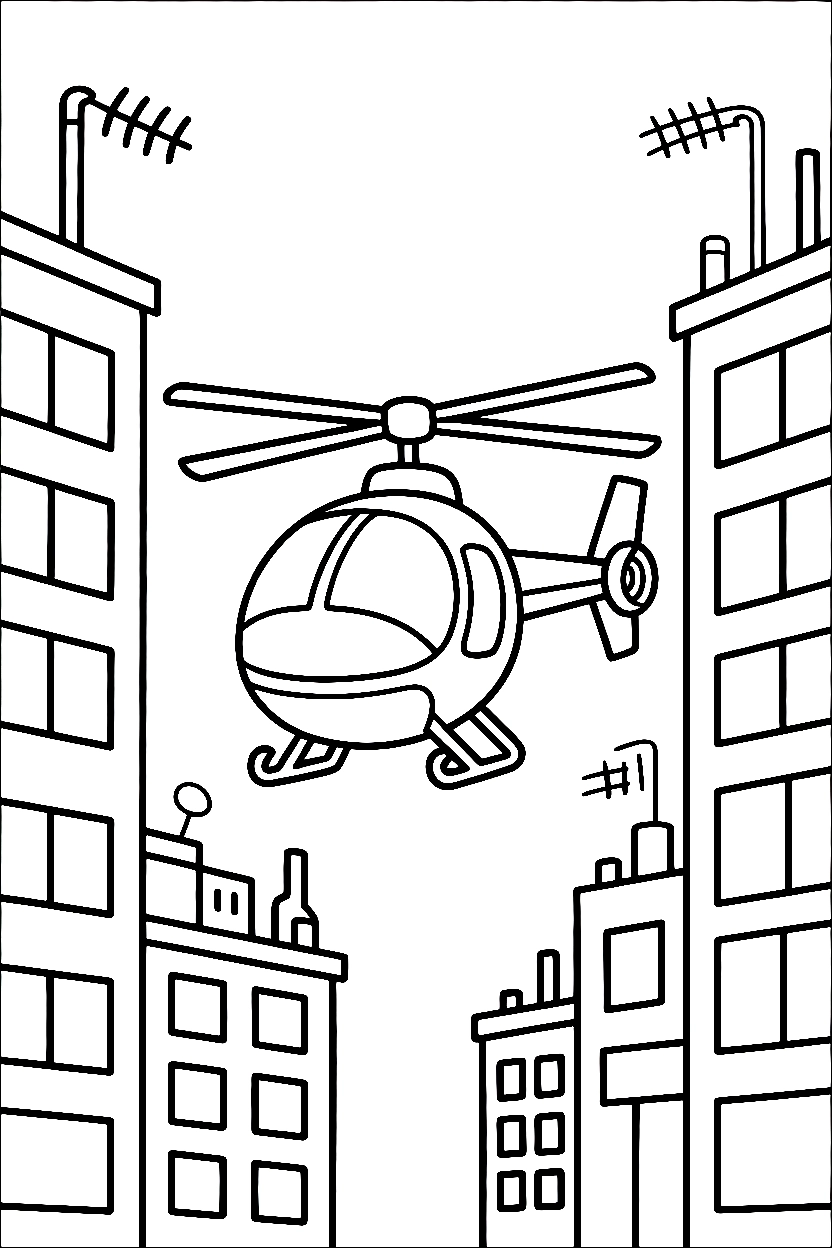
Landing skids form parallel bars beneath the body connected by crossbars. Tail boom extends backward in a straight line ending with the small tail rotor circle.
Each line art scene positions the helicopter as the central shape with clear separation between body sections. Cockpit windows show interior panel details in simple line form.
Rotor blade zones give children long, narrow sections to fill carefully. The printable activity sheet format usually centers the aircraft with enough vertical space above for the full rotor span and clearance below the skids. Coloring supports fine motor skills.
Helicopter drawing templates include visible rotor shaft detail and landing gear struts in most designs. Simple versions carry just the body outline and blade shapes.
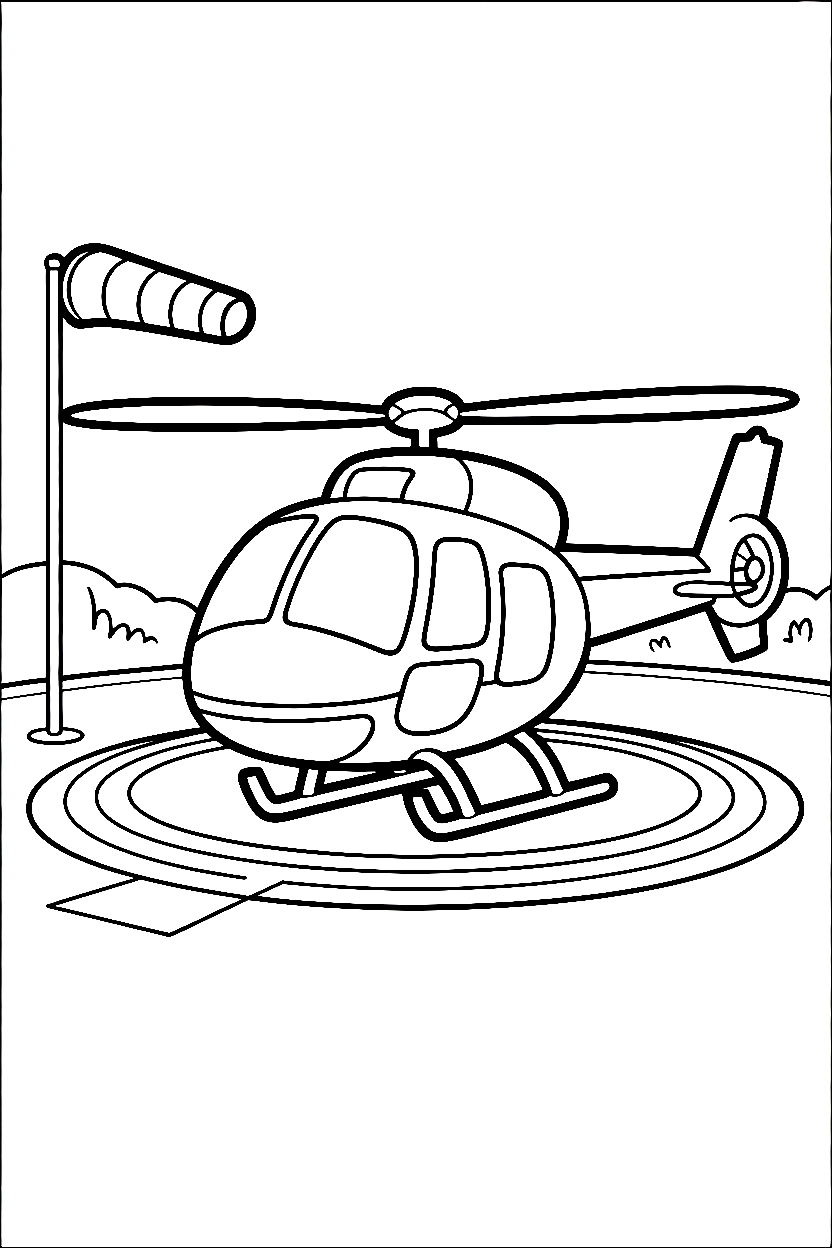
Detailed versions include landing pad markings, background mountain ranges, and sky elements surrounding the aircraft.
Helicopter Coloring Pages appear across a range of complexity levels from clean vehicle profiles to full flight scenes with ground surfaces, sky details, and environmental elements layered throughout.
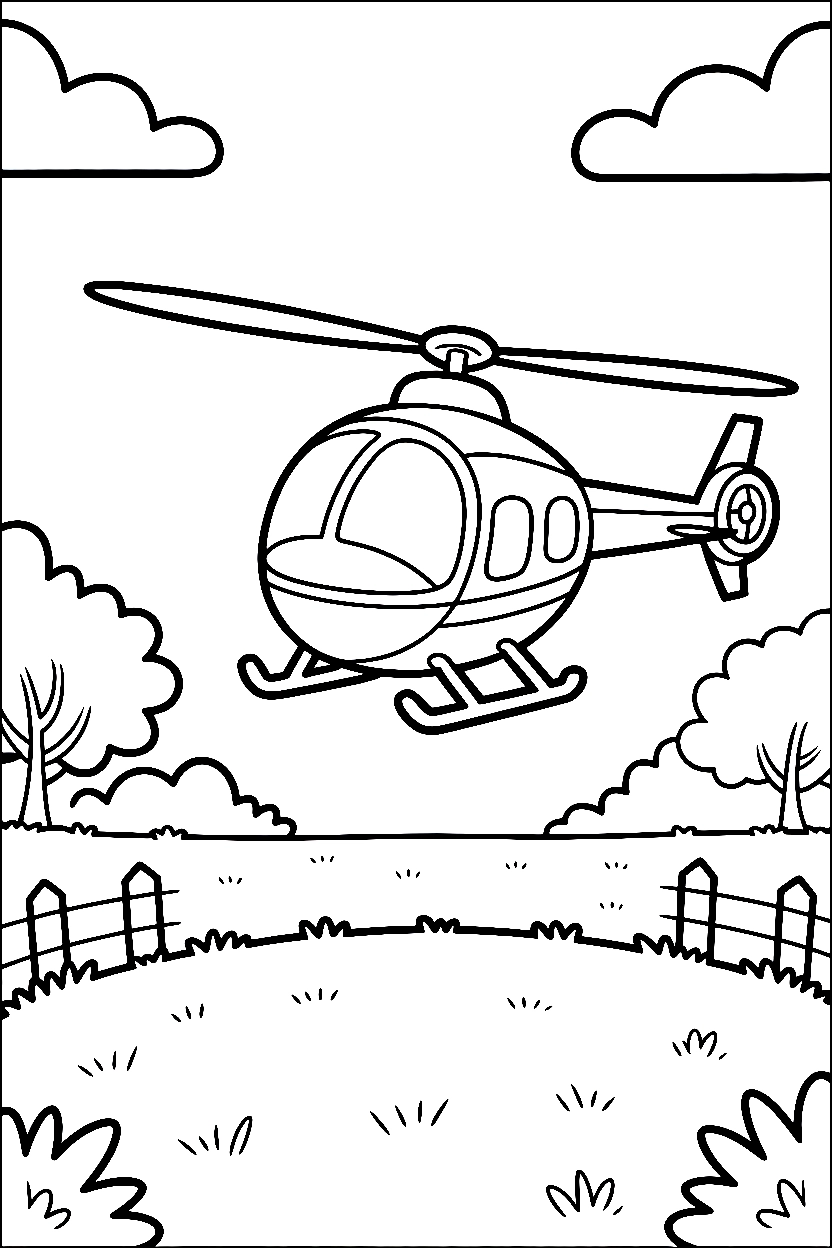
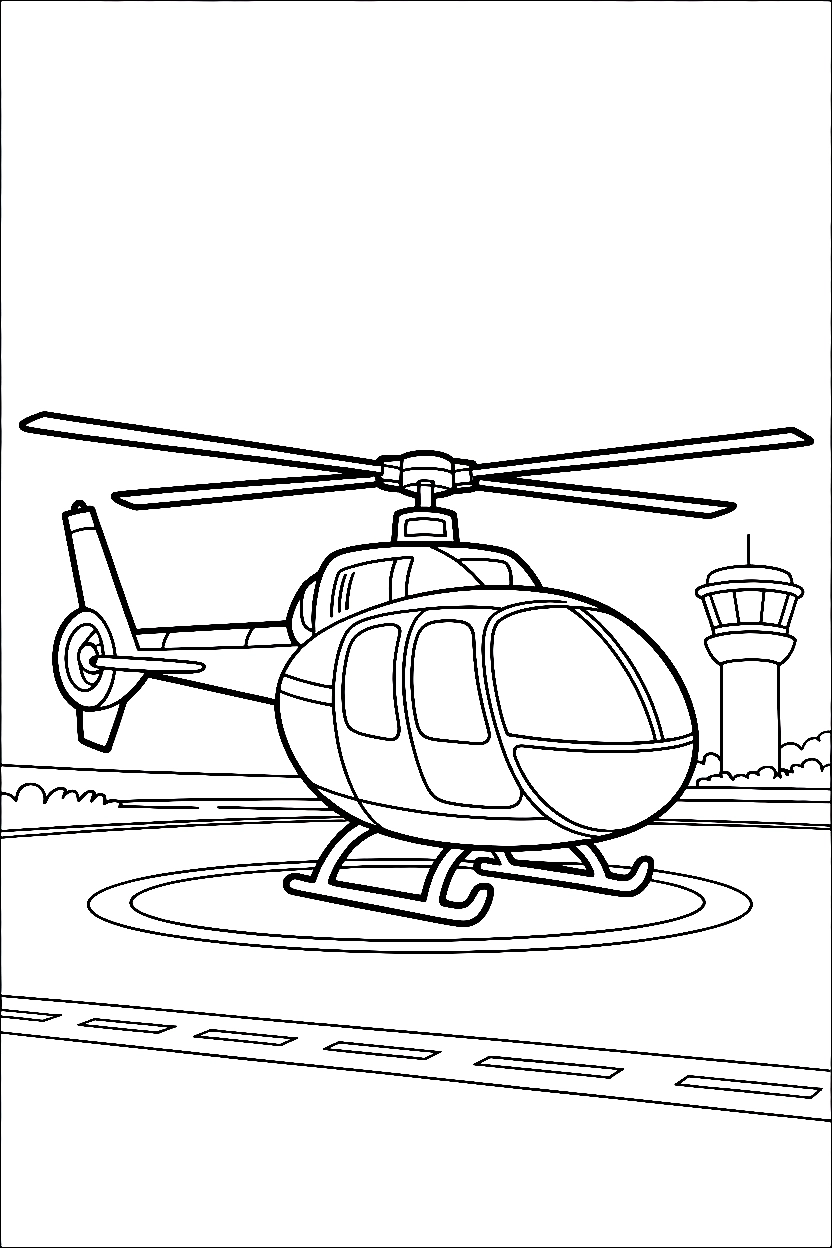
Helicopter Coloring Pages offer both wide cabin sections for broad strokes and narrow rotor blade outlines that require careful pencil work along the edges.
Creative Tip: Fill the large cabin section first using a marker. Switch to a colored pencil for the narrow rotor blades to stay inside the lines.
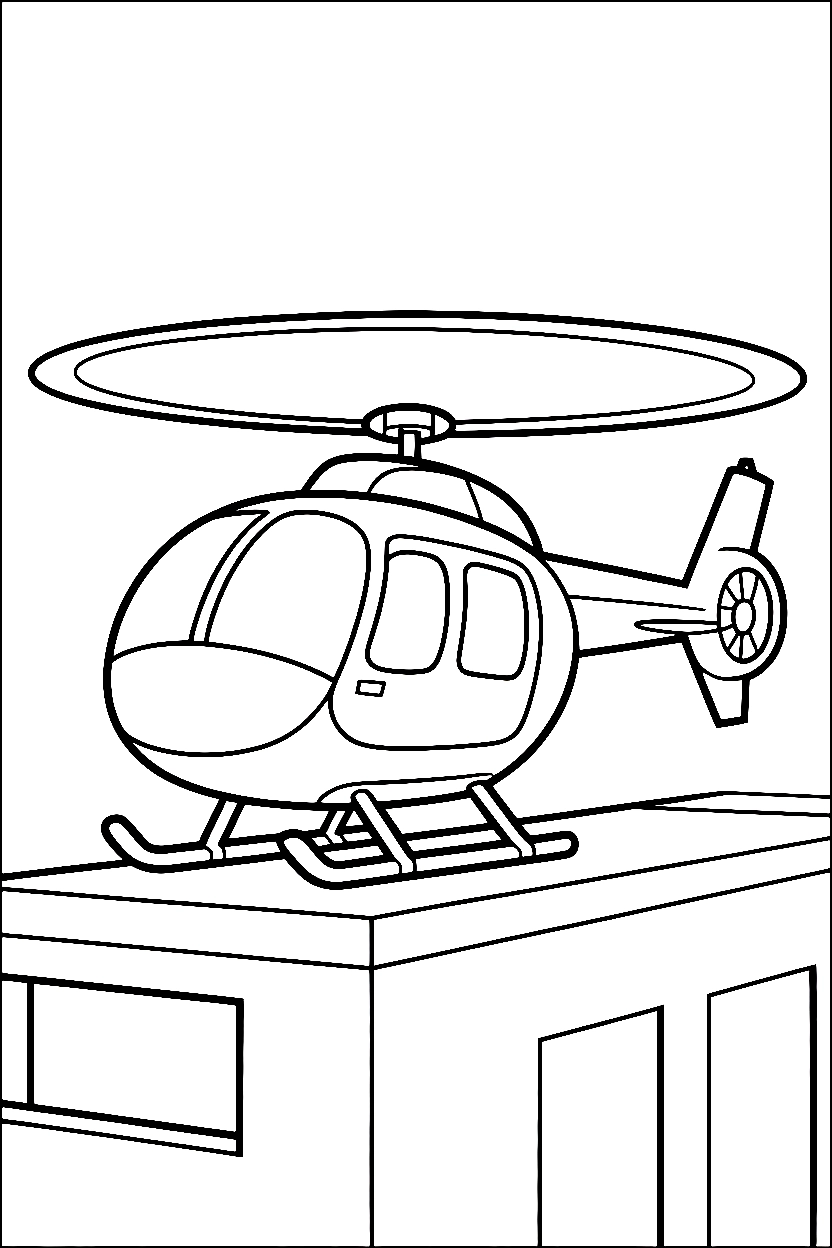
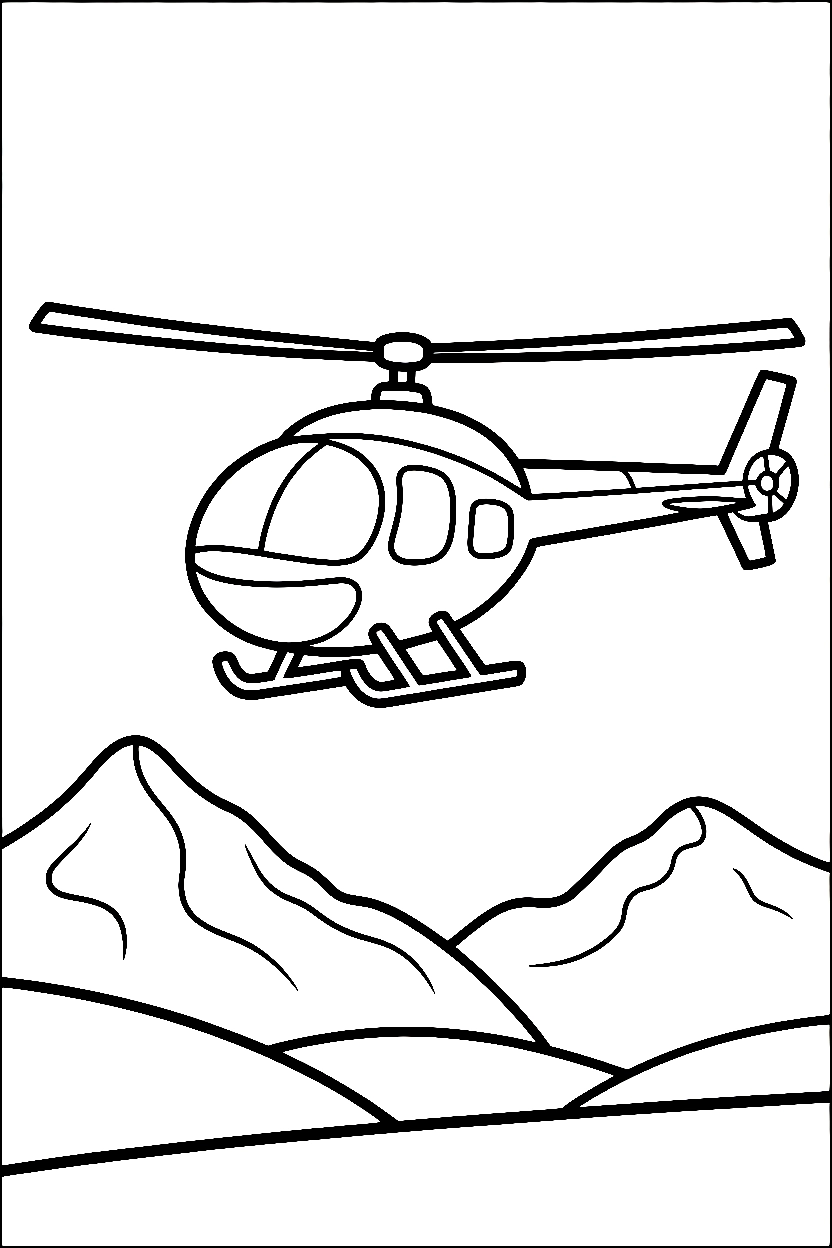
How to Print Your Helicopter Pages
Scroll down through the image options below. Click on the helicopter drawing you want. Press the orange PRINT button when the image opens. Start coloring right away.
What aircraft positions appear across the designs?
Side-profile, front-facing, and elevated hover positions appear across different layouts.
Are the rotor blades drawn as separate shapes or as one merged circle?
Separate. Each blade has its own outline extending from the center hub.
Do the scenes show just the aircraft or full landing and flight settings?
Both. Simple designs show the helicopter alone, while detailed versions include landing pads, ground surfaces, and sky elements.